How to check Starlink obstructions before installation?
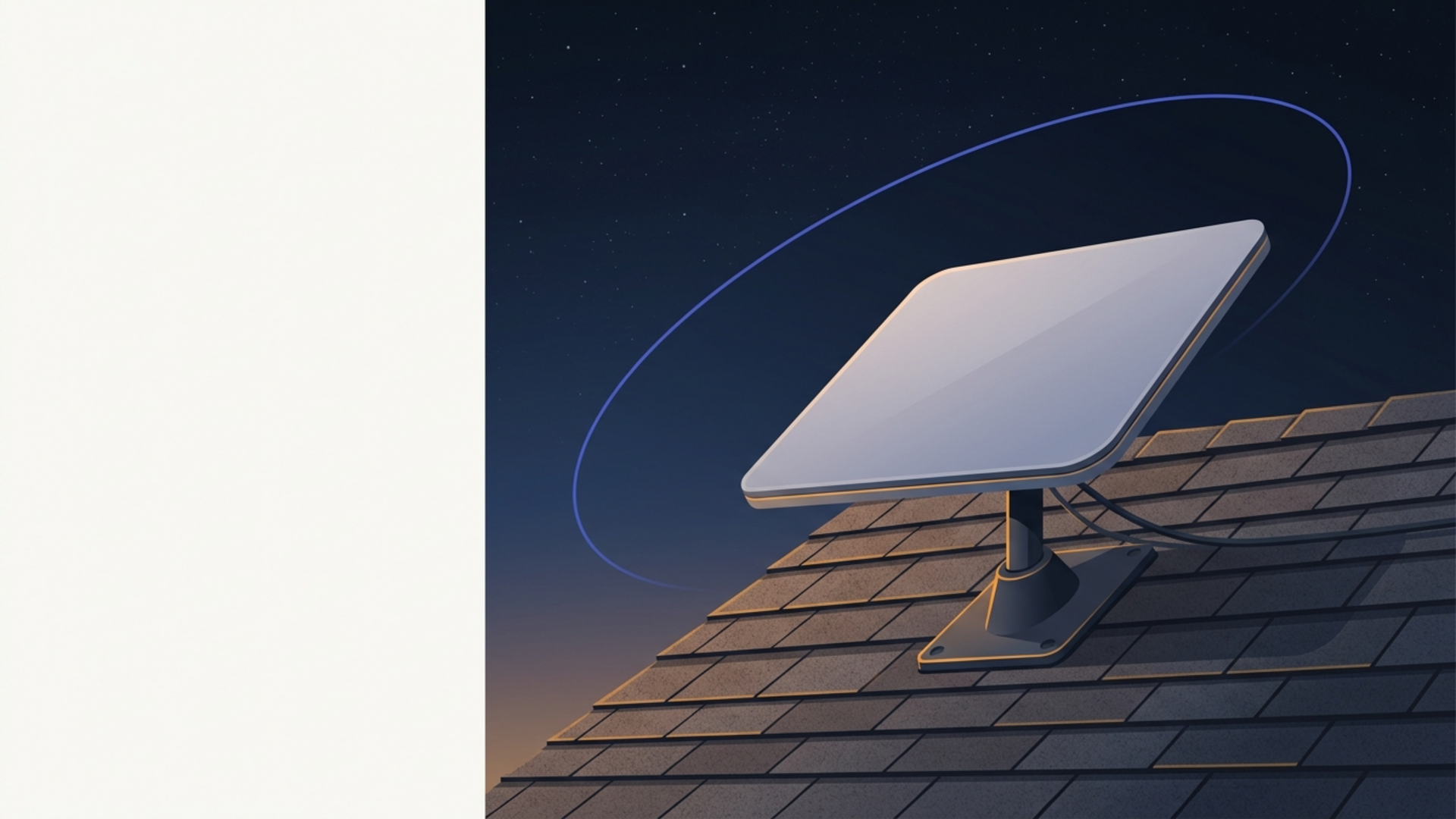
Use the Starlink app to scan a proposed Standard 4 location, interpret the obstruction map, and keep roof access outside this ground-level safety guide.
Read moreObstruction checking, roof/pole mounting, wiring, bypass mode, and mesh setup.
Use the Starlink app to scan a proposed Standard 4 location, interpret the obstruction map, and keep roof access outside this ground-level safety guide.
Read more
Okay, Starlink newbie, the big day has arrived! That mysterious box is sitting there, promising faster internet speeds and a whole new way of connecting to the
Read more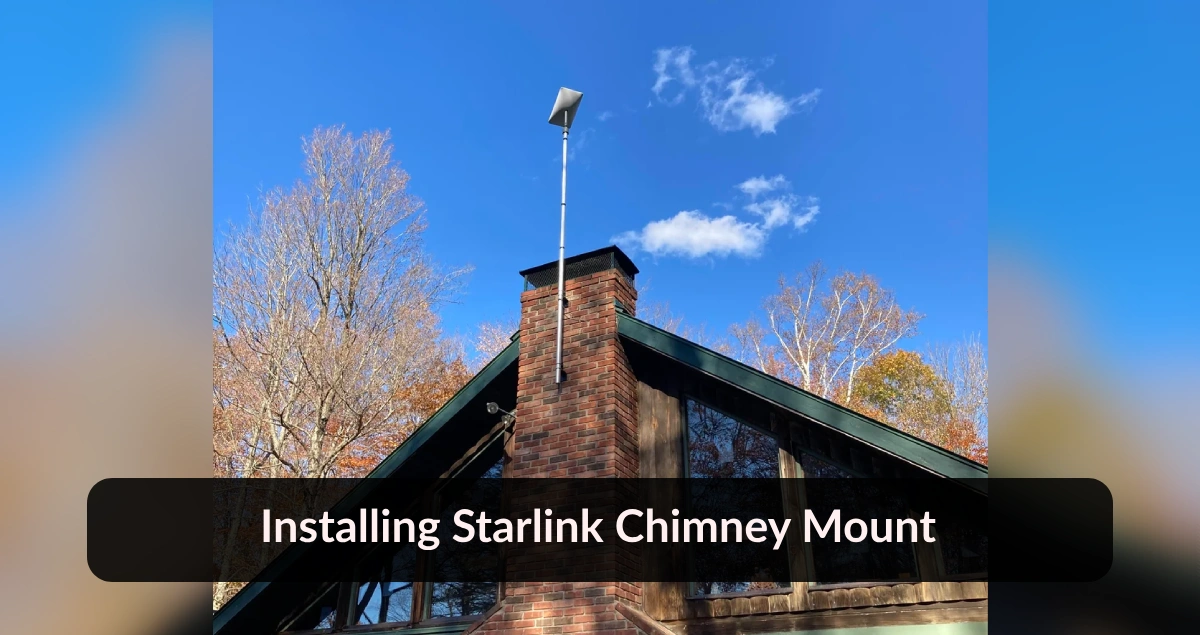
Ensure your chimney is structurally sound and can safely support the weight of the Starlink dish and mount.
Read more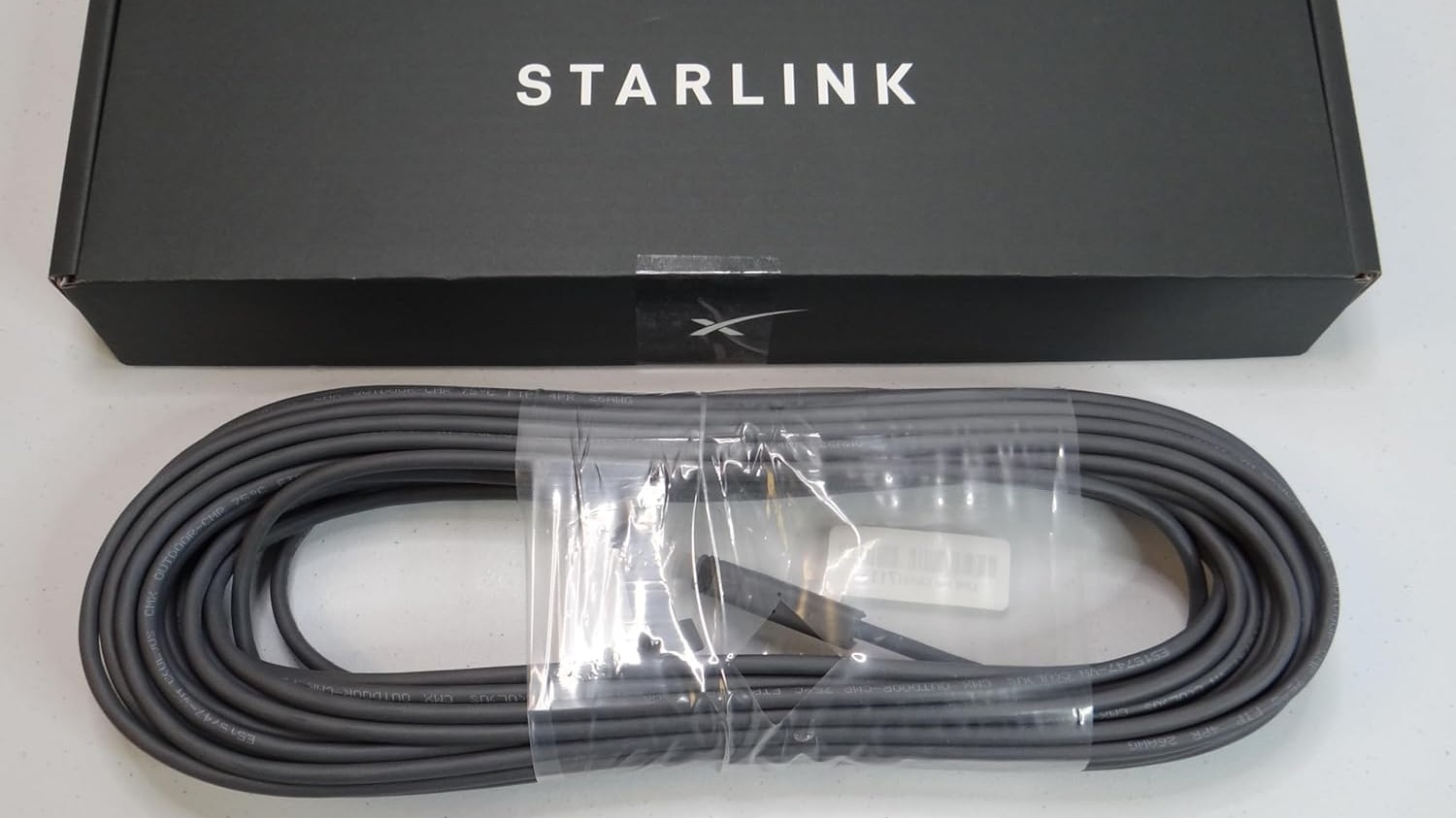
Gen 2 (Rectangular Dish): The second-gen kit comes with a 50 feet (15.2 meters) cable, and the Standard Dish (Latest Model) cable is
Read more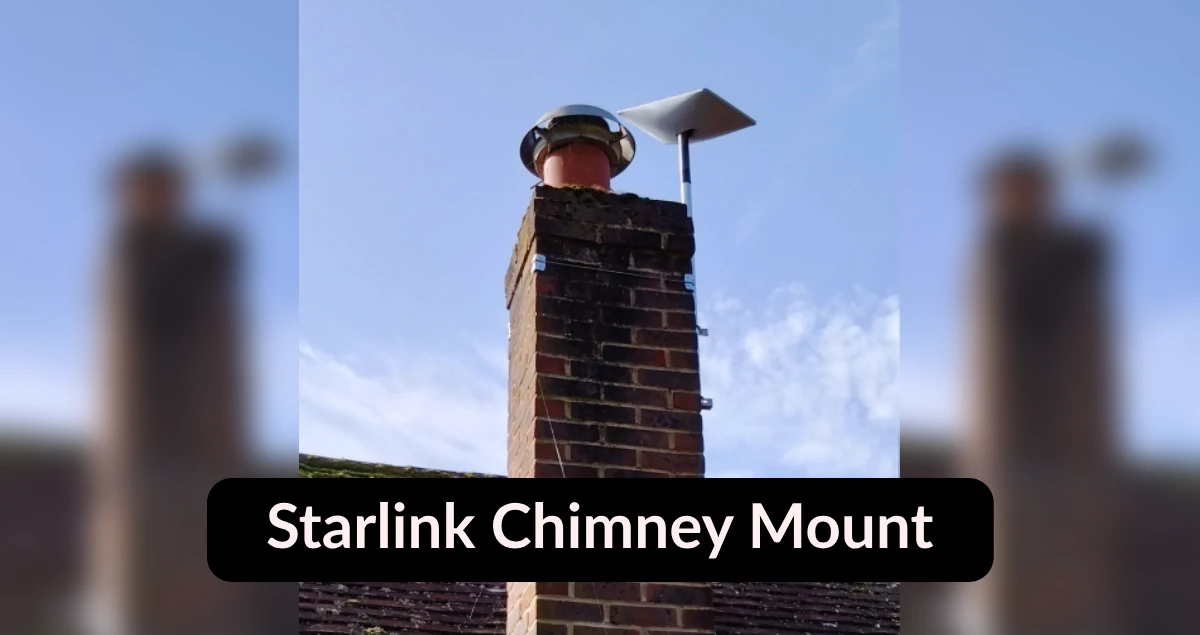
A Starlink chimney mount is a specialized accessory designed to securely attach your Starlink dish to the top of your chimney.
Read more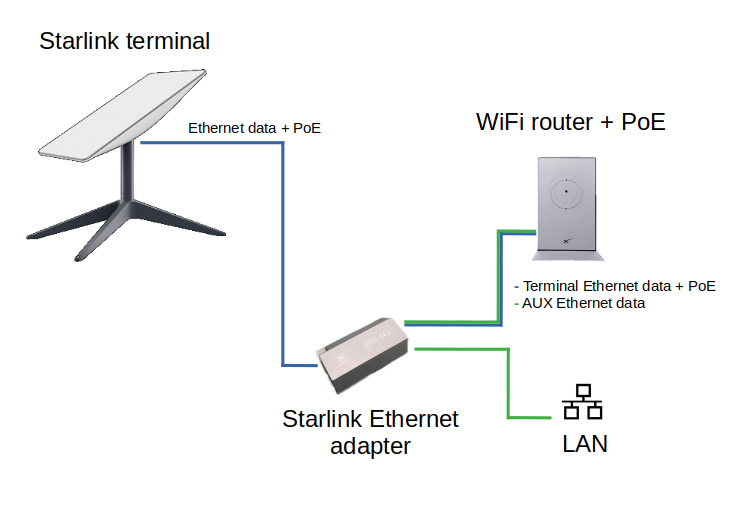
Using the Starlink app, identify a location with a clear view of the sky, free from obstructions like trees or buildings. The app will help you pinpoint the
Read more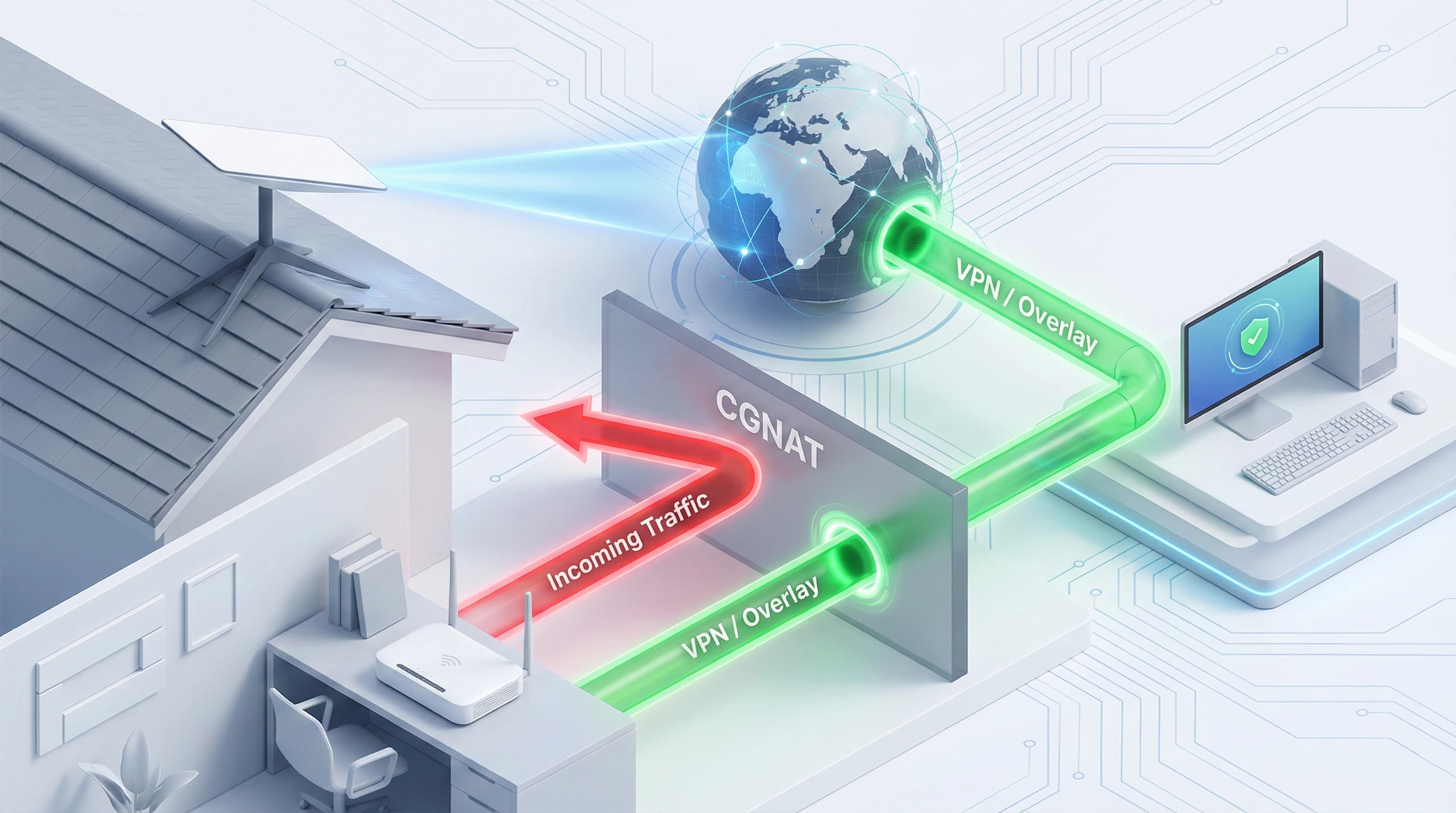
If you just logged into your Starlink app looking for "Port Forwarding" or "Virtual Server" settings and came up empty, you are not alone.
Read more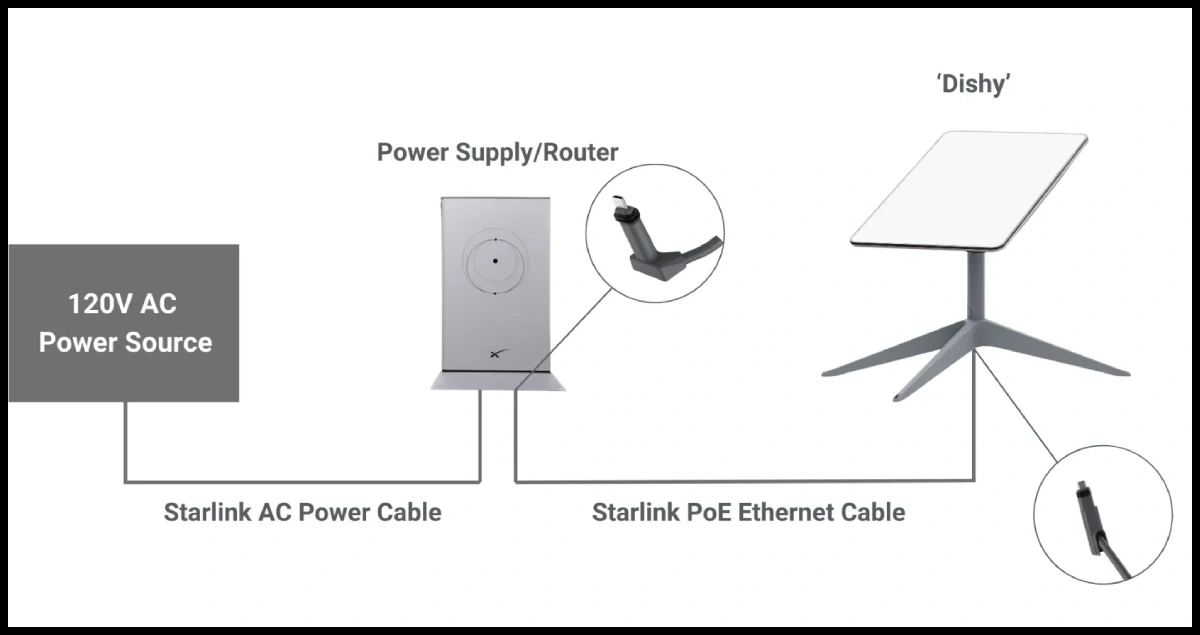
The Starlink dish, the core of the system, has specific power requirements. On average, the dish consumes between 50 to ..
Read more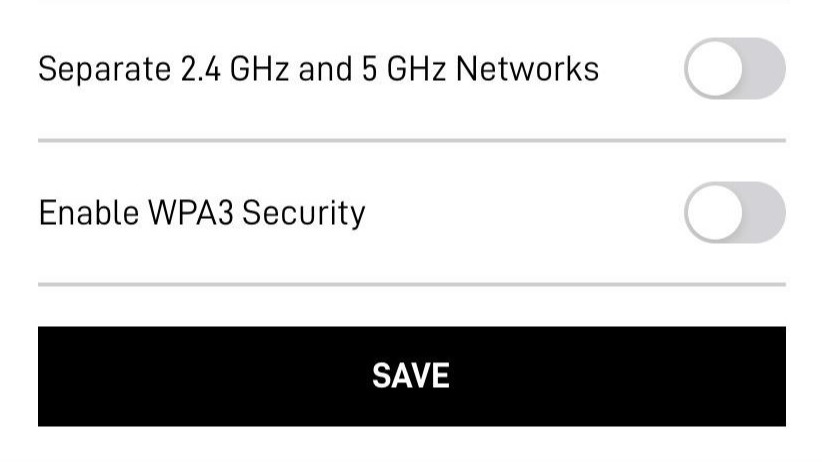
There are two primary methods to access Starlink router settings, each with distinct advantages: Via the Starlink App..
Read more